ReviewsASUSAug 5, 2026
ASUS Chromebook CX15 Launches in India at ₹47,990 with Google AI Pro and 5TB Cloud Storage
The ASUS Chromebook CX15 is an interesting combo of the simplicity of ChromeOS with AI-powered productivity and cloud-first computing
The ASUS Chromebook CX15 is an interesting combo of the simplicity of ChromeOS with AI-powered productivity and cloud-first computing

The Vivobook 15 lineup is designed for everyday productivity, offering modern processors, SSD storage, ergonomic keyboards, and lightweight portability for students and professionals alike.

If you're looking for a laptop that can handle gaming, content creation, programming, and AI applications without compromise, the ROG Strix G16 is an excellent long-term investment.
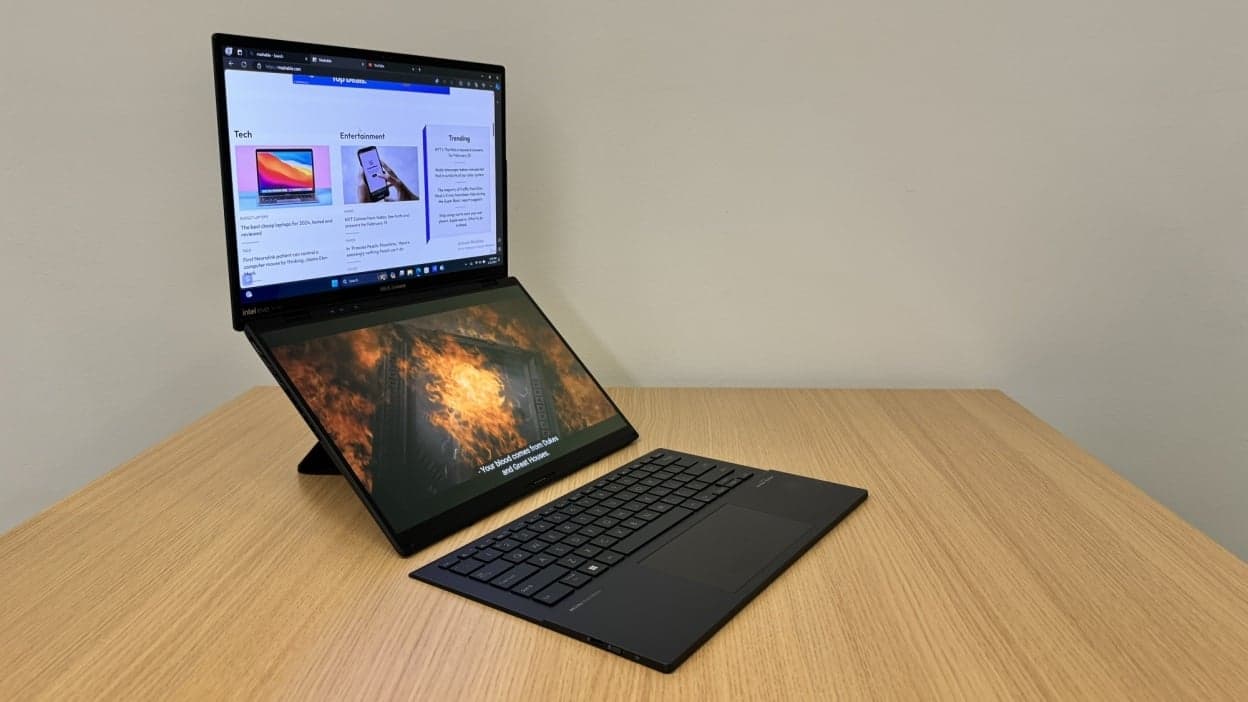
The Asus Zenbook DUO is one of those rare laptops that genuinely tries to rethink how we work instead of just upgrading specs. Its dual-screen setup is not a gimmick—it’s a productivity-focused innovation that can significantly improve workflow for the right user.
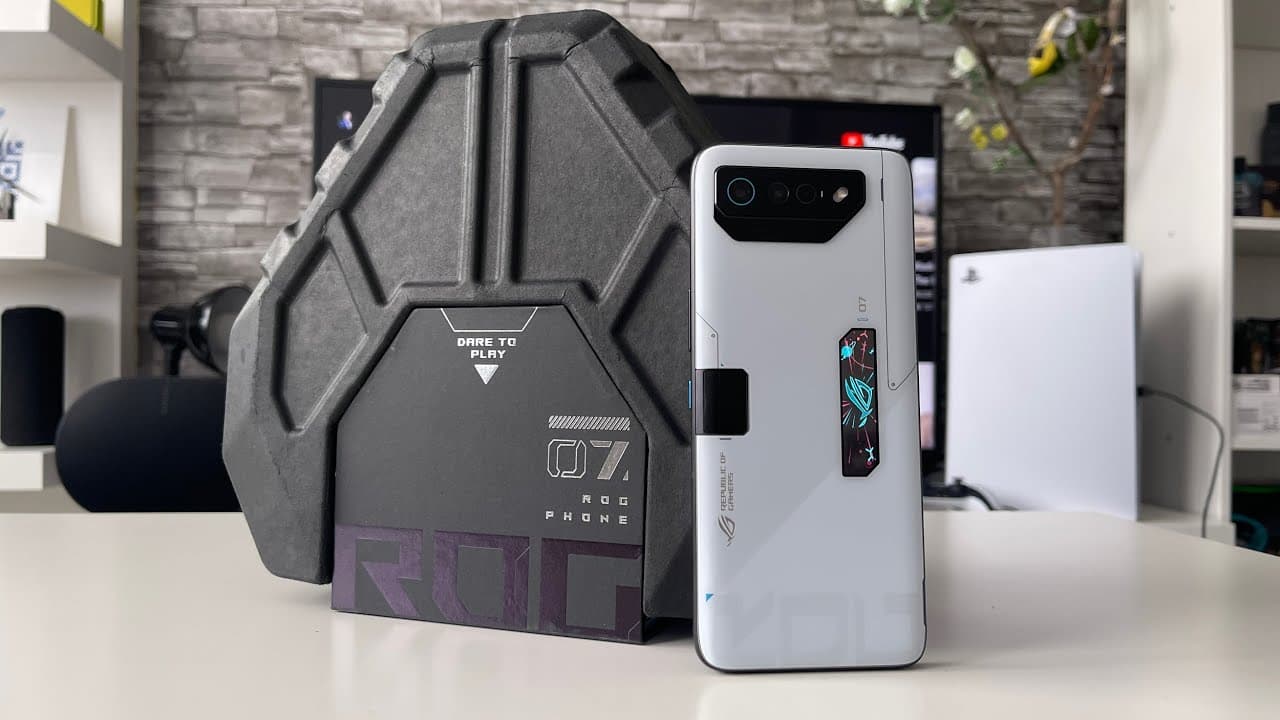
The Asus ROG 7 Ultimate Phone is the flagship gaming phone with Snapdragon 8 Gen 2, 16GB LPDDR5X RAM, 512GB UFS 4.0 storage and a unique heat-fin flap that opens with the AeroActive Cooler 7. The phone has a sleeker appearance, air-facing twin speakers, AirTriggers and a side-mounted charging port and costs Rs 99,999. Vijay Sales and Asus online shop May availability.
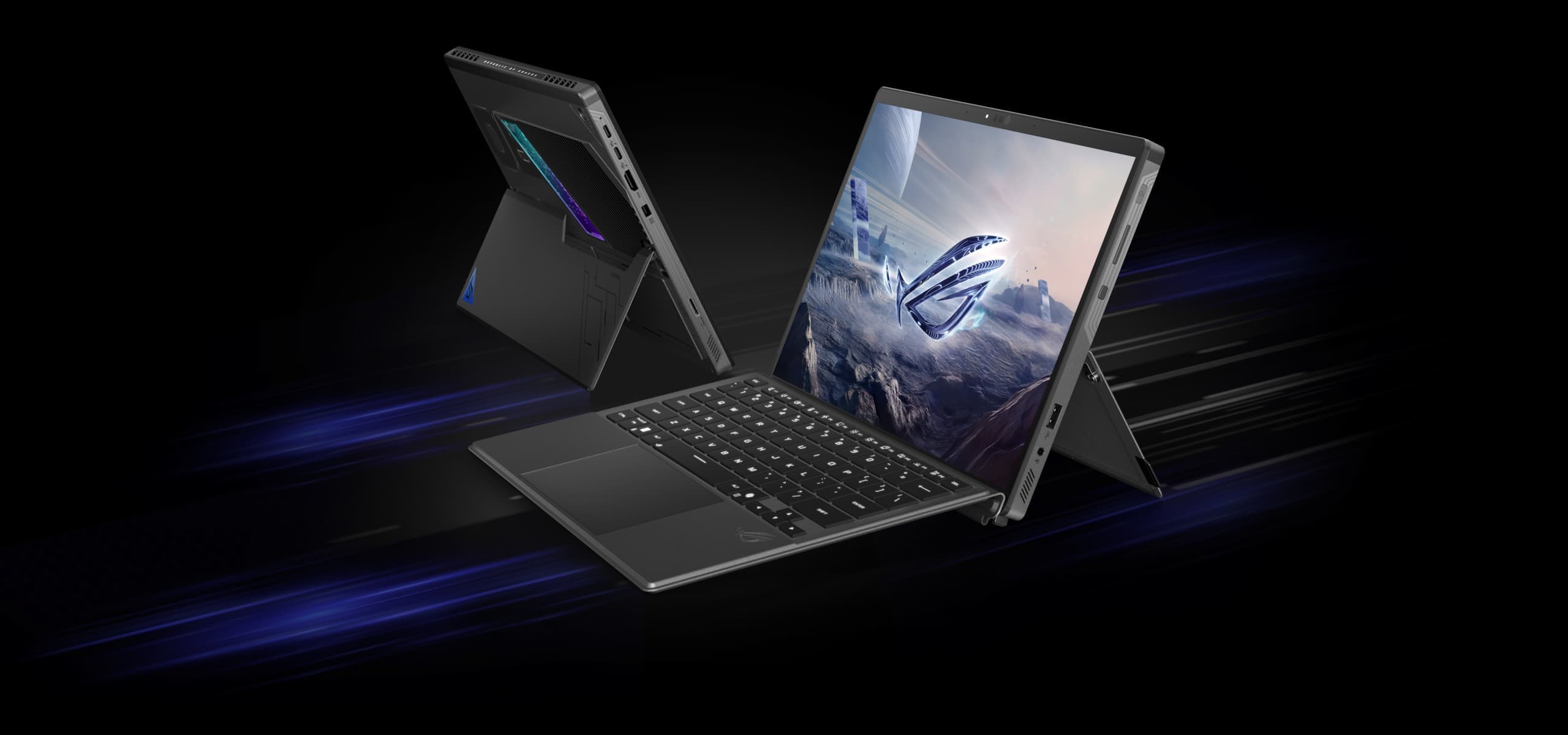
The Asus ROG Flow Z13 KJP is a collector’s dream, also a Death Stranding themed gaming tablet. Has beautiful Kojima inspired artwork, gold accents, carbon fiber trim, removable keyboard, kickstand and plenty of ports. The premium unboxing experience is improved with the white carrying case and themed stickers. Beneath the fan service is a powerful gaming computer with desktop-class performance. A must for Death Stranding fans and gamers too.

The ASUS ZenBook power button is normally located at the top right of the keyboard, above the backspace key — often doubling as a fingerprint reader as well. This article also tells where to find the power button for VivoBook, Notebook and ROG series. Find out how to power on/off your ASUS laptop, force shutdown when unresponsive, and troubleshoot typical power button issues such as no power or unresponsive power button. Asurion expert pro tips.

The Asus Zenbook S14 comes with a 14-inch 3K OLED 120Hz display, Intel Core Ultra 9 386H processor, 32GB RAM, 1TB SSD, a 77Wh battery and weighs under 1.2kg. Windows Ceraluminum chassis “Hello Wi-Fi 7 Thunderbolt 4. The price ranges from ₹1,34,990 to ₹2,49,990. Build quality and good multi-tasking. No SD slot and no fingerprint reader. “Excellent for creative workers.”
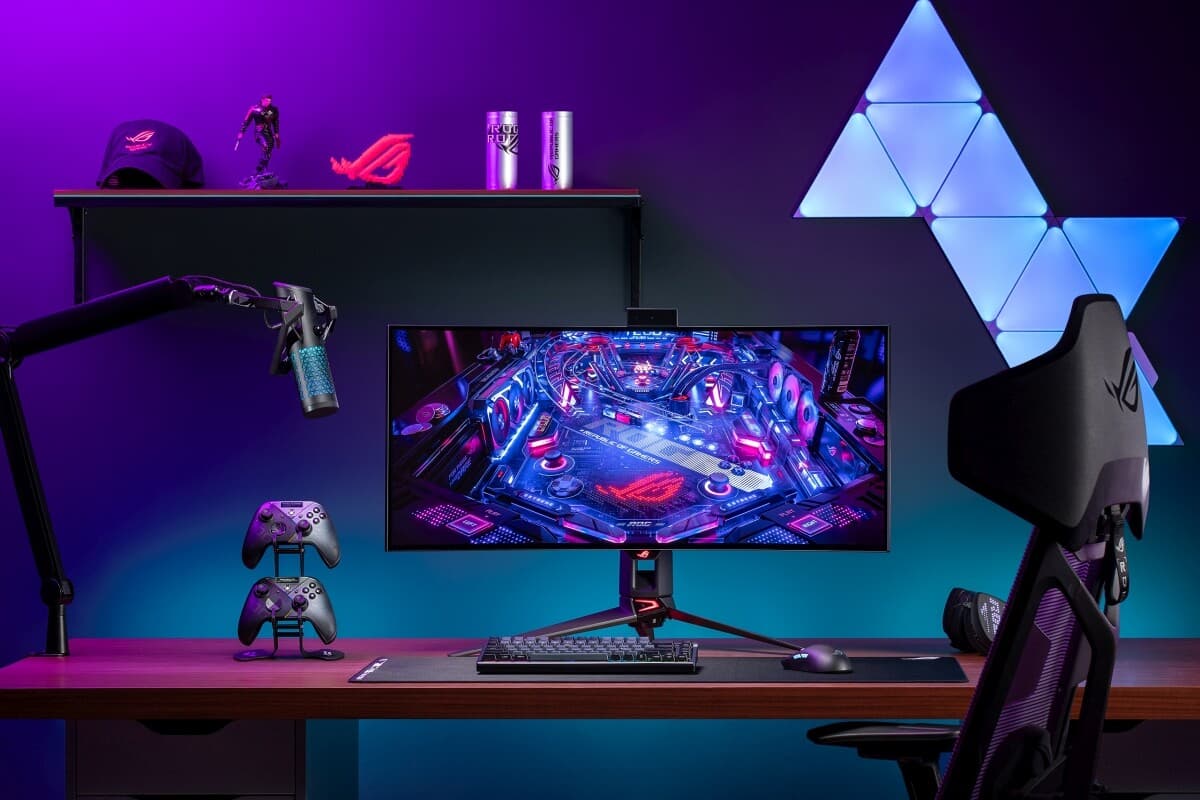
The ASUS ROG Swift OLED PG34WCDN is currently on sale at US retailers Amazon ($1299, ships June 22) and Newegg ($1299, ships immediately). It’s the world’s first RGB OLED gaming monitor with a 34” 3440x1440 QD-OLED panel with 360Hz refresh rate, 0.03ms GTG, BlackShield anti-reflection coating, 99% DCI-P3, DisplayHDR 500 True Black, DP 2.1, HDMI 2.1, and USB-C. 3 Year Warranty.

Discover why the Asus ROG Phone 8 Pro is dominating the mobile gaming market in 2024. Full review, specs, and thermal performance test.