Android Phones Are Becoming Smarter: 5 New Features That Can Make Your Daily Life Easier
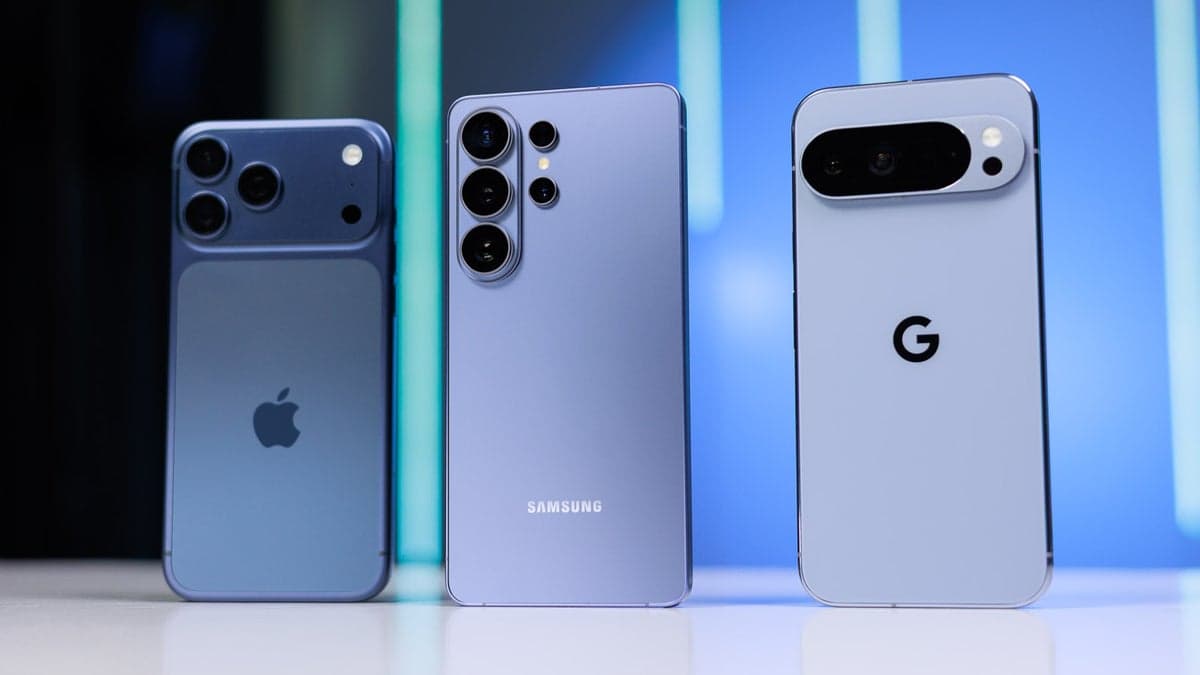
Smartphones have become an integral part of our daily lives. We use our phones for just about everything, whether it’s checking email, replying to texts, paying for things, finding our way around unfamiliar places, or getting work done. As technology moves forward, Android phones are becoming more intelligent and more useful, with new features that are designed to make everyday tasks faster and easier.
The latest generation of Android smartphones are increasingly focused on artificial intelligence, privacy, multitasking and personalisation. Smartphone manufacturers and Google are not just adding hardware upgrades, but are introducing features that can understand how users interact with their devices.
With newer Android versions and AI-powered tools, users can now get help with tasks that used to take multiple apps or manual steps.
Here are five useful new Android features that can make your daily smartphone experience more convenient.
1. AI-Powered Features Make Android Phones Smarter
Artificial intelligence is one of the biggest changes in modern smartphones.
Today’s Android phones can use AI to help users write messages, summarise information, edit photographs, translate conversations and find useful information more quickly.
AI tools can be especially useful when working or studying. For example, an AI assistant can help you rewrite a message, come up with a quick summary of a long conversation or suggest ideas when you’re struggling to begin writing.
Some Android smartphone makers also offer their own AI features. Depending on the model of the phone, users may be offered tools for photo editing, note taking, transcription, translation and document summarization.
The biggest benefit is convenience. From their smartphone, users can accomplish certain tasks without switching between a number of applications.
How Artificial Intelligence Can Help in Your Daily Life
AI features can be used to:
* Creating summaries of long messages or documents * Writing and editing emails * Translate text Remove unwanted objects from images
* Captions
* Finding information
* Voice recording transcription
* Organising notes
As AI continues to get better, these tools are expected to become an ever more important part of the Android experience.
2. Smart Notifications and Quick Settings
Notifications are helpful, but too many notifications can quickly get distracting.
Newer versions of Android provide better ways to manage notifications and decide which alerts deserve your attention.
Users can control notification permissions on a per-app basis, and control how notifications show up on the lock screen. This can help cut down on unnecessary interruptions during the day.
Quick Settings have also grown more useful on modern Android smartphones Users can quickly access frequently used controls such as Wi-Fi, Bluetooth, mobile data, hotspot, screen recording and other functions instead of opening the Settings app every time.
This may sound like a small improvement, but it can save time when these controls are used often.
Why Better Notifications Are Important
A better notification system can help you with:
* Reduce false alerts * Prioritise key messages * Permissions for the control app * Keep your eye on the ball.
* Quickly access frequently used settings
For those who get dozens of notifications every day, these enhancements can make the phone feel quite a bit easier to handle.
3. Improved Privacy and Security Controls
Privacy is an increasingly important feature of the smartphone.
Modern **Android phones** give users more control over what applications can access. Based on your phone and the version of Android, you can control permissions for camera, microphone, location, contacts and photos.
Android can also alert you if certain sensitive features are being accessed.
For example, the system can give a visual indication when an application is using the microphone or camera. This helps users better understand what applications are doing in the background.
You can also see and change permissions for each app on Android.
Basic Privacy Tips for Android Users
Regularly check these to improve your smartphone privacy:
* What apps have access to location *Which apps can use your camera * Microphone access apps * Which apps have access to your contacts * Which apps can access photos and files
It’s best practice to remove permissions that an application doesn’t actually need.
These privacy gains are especially important as smartphones contain so much personal information.
4. Smarter tools for camera & photo editing
Photography is another area where AI is taking the Android experience to the next level.
Many **modern Android smartphones** come with smart camera and editing features that enable users to improve photos without having to know how to edit them professionally.
The device allows users to remove unwanted objects, enhance lighting, sharpen images and make other adjustments with just a few taps.
This can come in especially handy when photographing while travelling. If there's an unwanted person or object in the background, you may be able to use an AI-powered editing tool to remove it without needing to use a separate editing application.
Some phones also use computational photography to make images better in difficult lighting situations.
Android Camera Features You Should Try
You may find features such as, depending on your smartphone model:
AI photo editing * Removing objects
* Night photography
Portrait mode * Automatic HDR * AI image upscaling
* Document scanning Photo suggestions
These features mean users no longer have to be professional photographers to take and edit better looking photographs.
5. Better Multitasking and Cross-Device Functionality
Another helpful improvement in modern Android devices is better multitasking.
Large screen smartphones and foldable phones can run multiple applications at the same time, which can help users work more efficiently.
You can, for example, watch a video and check messages or leave a calculator open while using another application.
Android also offers better integration with compatible devices. Depending on the manufacturer and ecosystem, users may be able to share files, copy content or continue some activities between a smartphone, tablet and computer.
This can be particularly useful for those who use their phone for work.
Multitasking to Save Time
Users can have essential apps up at the same time, rather than toggling between apps.
Example:
**Students:** Read an online article and take notes.
**Professionals:** Reference a document while checking an email.
**Travellers:** Open maps while checking hotel or travel information.
**Content creators:** Write captions while reviewing photos.
These little improvements can make an appreciable difference when you’re using your smartphone for a few hours a day. More Smart Features Arriving with Android 16
Google’s newer Android releases maintain their focus on personalisation, security and smart smartphone experiences.
Android 16 includes improvements to areas like notifications, accessibility, security, and device experiences. Some features also depend on the smartphone manufacturer, region and hardware.
This is important because not every Android phone gets the exact same features at the same time.
Google Pixel devices usually receive Google’s Android features straight from the source, while Samsung, Xiaomi, OnePlus, Motorola and other manufacturers can add their own software features on top of Android.
This can result in a very different experience on different Android smartphones. How to Make the Most of Your Android Phone
You don’t always need to buy a new smartphone to enjoy useful Android features.
If your phone is running a recent version of Android, the first thing to do is check for software updates.
Navigate to:
**Settings > System > Software Update**
The exact menu may differ by manufacturer.
You should also check out your phone’s privacy dashboard, notification settings, battery tools and accessibility options.
Many features are useful but are hidden because users simply do not explore the settings menu.
Android Tips and Tricks That are Worth Trying
Here are a few simple Android Tips and Tricks to make your day-to-day life better:
Use Digital Wellbeing
Digital Wellbeing is an option that lets you see how much time you spend on various applications, and can help you manage screen time.
Enable Battery Optimisation
If your battery is draining quickly, check which apps are using the most power and limit unnecessary background activity.
Google Lens Try
Google Lens can identify text, translate signs, identify objects and give you information about things you see through your camera.
Customise Quick Settings
Put your most frequently used controls in the first section of Quick Settings for faster access.
Manage app permissions
Regularly check permissions and remove access that applications no longer need. Are These Features Present in Every Android Phone?
Nope. This is an important point for Android users.
Android is used by many different smartphone manufacturers and each company can customise the operating system.
A flagship Android smartphone could have next-gen AI and camera features that are not included in an entry-level model.
Similarly, software updates may be released at different times for different manufacturers, devices and regions.
So if you are looking for a particular Android feature, see if it is supported on your particular smartphone model. Are these features enough to buy a new Android Smartphone?
Not always.
If your current phone runs a recent version of Android and receives regular software updates, you may already have many useful features.
But upgrading can be worth it if your current phone is several years old, no longer gets security updates, has terrible battery life or doesn’t support newer AI and software features.
When buying a new Android smartphone, don’t focus only on the processor or the camera megapixel count. It is the software support, the battery life, the display quality, security updates, and smart features that actually work that can make a bigger difference to your everyday experience. Final Verdict
The newest generation of Android phones is getting smarter in ways that go beyond faster processors and better cameras.
More intelligent photo editing, better multitasking, improved notifications, stronger privacy controls and AI-powered tools can all help make everyday smartphone use easier.
The most interesting change is that many of these features are time-saving. Modern Android software can reduce the number of steps needed to edit a photograph, manage notifications, write a message or switch between multiple applications.
However, availability of features depends on Android version, smartphone manufacturer and hardware.
If you have a modern Android smartphone, you might want to look into its software settings and find some useful tools that you are not using yet. And, when shopping for a new phone, comparing the software experience to the hardware can help you pick a device that will remain useful for years to come.
Frequently asked questions
1. Newest Android features
Android’s latest features include AI-powered assistance, improved notification management, enhanced privacy controls, smarter photo editing, better multitasking and new accessibility tools.
2. Do all Android phones come with the same features?
No. Features may be different based on the Android version, smartphone manufacturer, processor, hardware and region.
3. How do the AI features on Android phones help you?
Artificial intelligence can help users complete everyday tasks faster, such as writing, summarising information, translating text, editing photographs and organising information.
4. How can I improve privacy on my Android smartphone?
Regularly review application permissions. Check which apps have access to your location, camera, microphone, contacts and photos. Strip away permissions you don’t need.
5. How can I get new Android features without buying a new phone?
Yes. If your phone runs on the version of Android required, you might get new features through software updates. But some features are hardware-specific and need newer hardware
.6. Is it possible to get Android 16 on any Android smartphone?
No. Android updates are provided on a device manufacturer, model & region basis. Some smartphones receive updates sooner than others.
7. Some useful Android tips and tricks
Customise Quick Settings, use Google Lens, check Digital Wellbeing, manage battery optimisation and review app permissions regularly are some of the useful options.
8. What are the costs of Android AI features?
It is contingent upon the particular feature and the manufacturer of the smartphone. Some AI features are integrated into the operating system or device, while some advanced services may need an internet connection, account or subscription.
9. Is it worth buying a new Android phone for AI features?
Not always. If your current phone gets software updates and fits your feature requirements, you may not need to upgrade. Upgrade if your device is missing important software support , has a short battery life or can’t run newer features .
10. What's the best Android smartphone for new features?
There’s no one best Android smartphone for everyone. Generally, flagship phones come with the most cutting-edge hardware and software features, while mid-range phones can offer more bang for your buck. Before buying, check software support, performance, camera capabilities, battery life and the features you actually use.